
How to keep an eye on an elderly parent at home, remotely
Pick the lightest option that covers your real worry, and agree it with your parent. Personal alarms and fall detectors cover emergencies; home sensors that alert family cover "has anything changed?"; regular check-in calls cover "how are they actually doing?"; and a shared rota with family and neighbours covers the rest. Cameras are rarely needed and should never go in without their agreement.
Why is this harder than it sounds?
Remote monitoring sounds like one product, but it's several different things that answer different questions. A fall alarm can't tell you your mum's been low for a fortnight, and a weekly phone call can't tell you she fell at 3am. Families often buy the most powerful option, find their parent hates it, and end up with an unused gadget and a strained relationship.
The main options, and what each one is for
The NHS groups the technology into personal alarms, monitoring systems (telecare) and key safes. Alongside those sit ordinary ways of keeping in touch:
- Personal alarms: worn or carried, or a button or pull cord at home. Some make a noise, some alert a family member's phone, some alert a 24-hour monitoring service. Fall detectors and GPS alarms exist too.
- Monitoring systems: sensors for movement, doors opening, room temperature, flooding, smoke or gas, or appliances left on, that alert family, carers or a monitoring service.
- Key safes: so family, carers or emergency services can get in if your parent can't reach the door.
- Check-in calls: a regular call, from family, a befriending service or an automated or AI service, that asks how they are.
- Video calls: good for company and seeing someone's face, if your parent is comfortable with the tech.
How do you choose?
Ask your parent what would make them feel safer, then match the option to the worry. Emergencies need an alarm. Gradual change needs regular contact by people who know them. The NHS suggests thinking about whether a product is right for the person and whether they're comfortable using it. Some councils provide basic monitoring services after a home assessment.
What should you do?
Name the worry
Falls at night? Not eating? Low mood? Leaving the cooker on? Each points to a different tool.
Talk to your parent
Explain what you're thinking and why. Ask what they'd be happy with. Monitoring someone without their agreement damages trust.
Start with one thing
A pendant alarm or a regular call is a small step. Add more only if there's a gap.
Ask the council
Adult social services can tell you if they provide basic monitoring and can arrange a home assessment.
Decide who responds
Every alert needs a named person who acts on it. Write down who, and what they'll do.
What tends not to work
Cameras in living spaces without agreement. It's their home.
Collecting alerts nobody reads.
Assuming technology replaces visits and conversation.
Common questions
Is it legal to monitor an elderly parent?
Monitoring someone who has the capacity to decide should be done with their agreement. If you're unsure, get advice before installing anything that records them.
What's the least intrusive way to check on a parent?
Usually a regular, agreed time to talk, plus a personal alarm for emergencies.
Where Nura fits
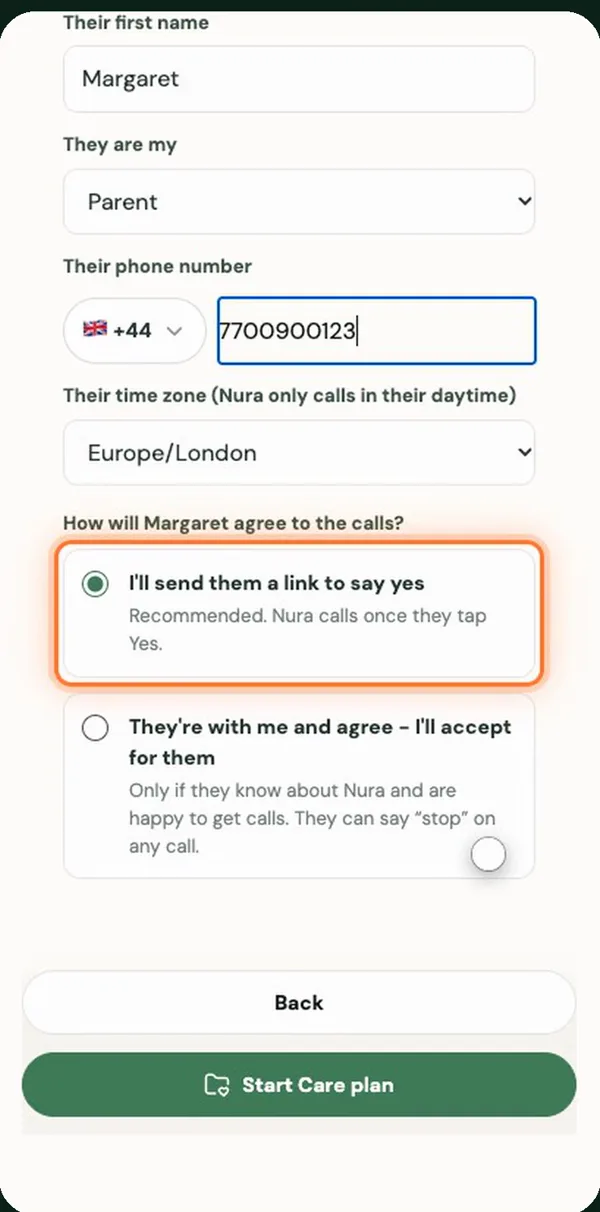
Nura covers the "how are they actually doing?" part. Once your parent agrees on a link you send, Nura gives them a short, friendly call in their daytime and sends you a summary, so you hear about a bad week before it becomes a crisis. Calls may be recorded and transcribed so Nura can keep track, and your parent can say "stop" on any call. Nura isn't an alarm and can't respond to emergencies, so use it alongside an alarm if falls are a worry.
Sources
General information, not medical advice. Nura does not diagnose, prescribe or replace your clinician. In an emergency call 999 (UK) or 911 (US); in the UK, NHS 111 can help if you need medical help but it isn't an emergency.